
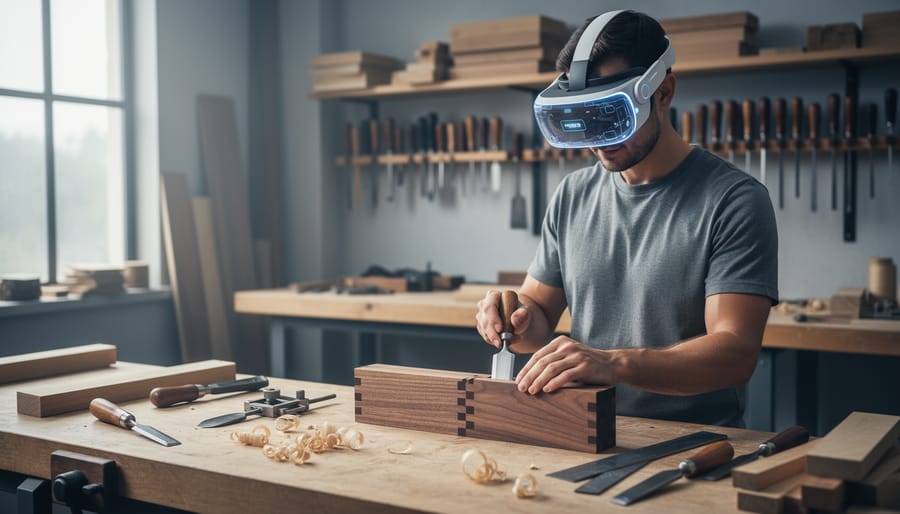
Extended reality is transforming how woodworkers learn their craft, and you don’t need to be a tech expert to benefit from it. In 2026, XR technology brings together virtual reality, augmented reality, and mixed reality to create hands-on learning experiences that were impossible just a few years ago. Picture putting on a headset and practicing your first dovetail joint without wasting expensive hardwood, or seeing digital measurement guides overlaid directly onto your workpiece as you cut.
This isn’t about replacing the satisfaction of working with real wood and sharp tools. XR workshops complement your traditional skills by letting you rehearse complex techniques, visualize hidden joinery, and learn from master craftspeople who might be thousands of miles away. You can make mistakes in virtual space, understand exactly why they happened, then apply those lessons confidently when you step up to your actual workbench.
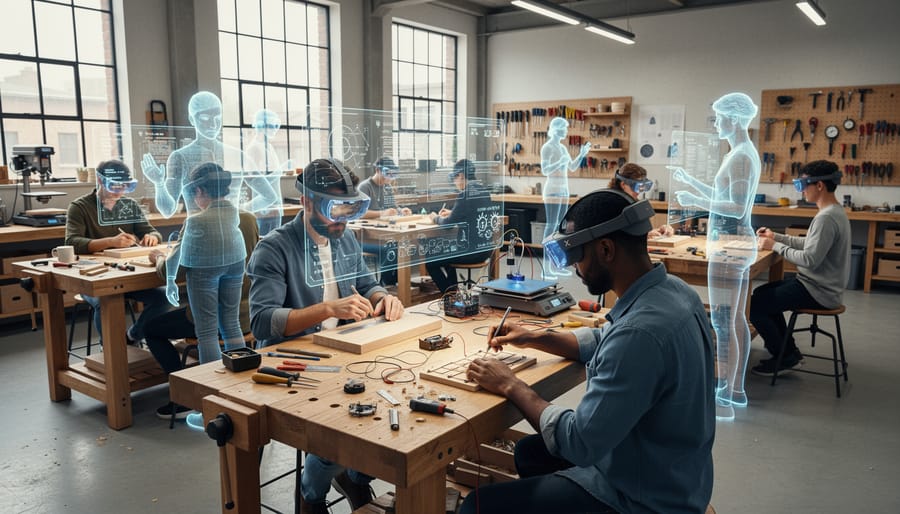
The woodworking community has embraced these tools because they solve real problems. Beginners gain confidence faster when they can practice repetitive cuts or chisel work in VR before touching their project wood. Experienced hobbyists use AR overlays to verify measurements and angles during assembly. Workshop spaces offer XR training sessions where ten students can simultaneously practice on the same virtual workpiece, each getting personalized feedback.
You’ll discover that extended reality doesn’t diminish the magic of traditional craftsmanship. Instead, it accelerates your journey from curious beginner to skilled artisan, giving you more time to focus on what matters most: creating beautiful, lasting work with your own hands.
What Is Workshop XR and Why It Matters for Woodworkers
Extended reality, or XR, is an umbrella term for all the immersive technologies that blend the digital and physical worlds. For woodworkers, this means three main flavors of technology that can revolutionize how you learn and practice your craft before picking up a saw or chisel.
- Virtual Reality (VR)
- Fully immersive digital environments where you practice joinery, tool handling, and project assembly in a completely simulated workshop. You wear a headset that transports you to a virtual space where mistakes cost nothing but valuable learning.
- Augmented Reality (AR)
- Digital information overlaid onto your real workshop through a smartphone, tablet, or smart glasses. AR can project cut lines directly onto your workpiece or show assembly instructions floating above your workbench.
- Mixed Reality (MR)
- A hybrid where digital objects interact with your physical space in real time. You might see a virtual cabinet positioned exactly where it will sit in your home, or practice mortise placement on a holographic board that responds to your hand movements.
The real magic happens when these technologies support rather than replace your hands-on learning. Think of XR as your patient, endlessly available teacher who lets you rehearse that tricky dovetail joint fifty times before touching your precious walnut board. The low-risk virtual training environment builds confidence and muscle memory without the waste or frustration of repeated mistakes on real materials.
What makes XR particularly valuable for woodworkers is the ability to see inside the cut, slow down complex motions, and visualize grain direction or joinery stress points in ways impossible with traditional instruction. You still need to feel the resistance of a handplane, smell the cedar shavings, and develop calluses. XR simply accelerates the learning curve and helps you show up to the actual workbench better prepared, more confident, and ready to create something beautiful on your first real attempt.
How XR Is Changing Workshop Participation in 2026
Virtual Practice Sessions That Build Real Confidence
Virtual reality workshops let beginners swing a chisel, guide a saw, and position a router bit dozens of times before entering a physical workshop. You’ll rehearse the proper stance, hand placement, and follow-through for dovetail cuts in VR, making every rookie mistake without wasting expensive hardwood or risking injury. When you finally pick up real tools, your hands already know the motion.
This safe practice environment transforms nervous beginners into confident learners. You can practice cutting mortises until the movement feels automatic, then reset and try again immediately. No cleanup, no material cost, no fear of ruining a project you’ve invested hours in. The technology tracks your technique and highlights when your angle drifts off or your pressure becomes inconsistent, providing instant feedback that would require a skilled instructor standing beside you.
The muscle memory you build translates directly to the workshop floor. Your brain doesn’t distinguish between practiced movement and “real” movement as much as you’d think. Pair this practice with workshop journaling to track which techniques you’ve mastered virtually and which need more hands-on refinement. Many woodworkers report that after twenty virtual repetitions of a box joint cut, their first physical attempt felt like their fifth or sixth try rather than their first, skipping past the shakiest learning curve entirely.
Augmented Reality Design Tools at Your Workbench
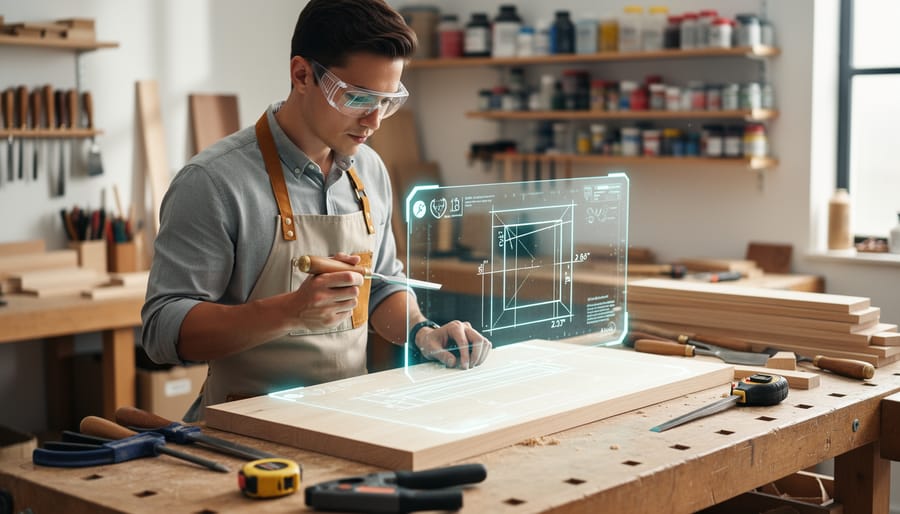
Augmented reality brings digital precision directly into your physical workshop space, overlaying helpful guides onto your actual workbench and materials. When you point your AR-enabled device at a piece of lumber, you can see exactly where to make cuts, how joints will fit together, and what the finished piece will look like before you pick up a saw.
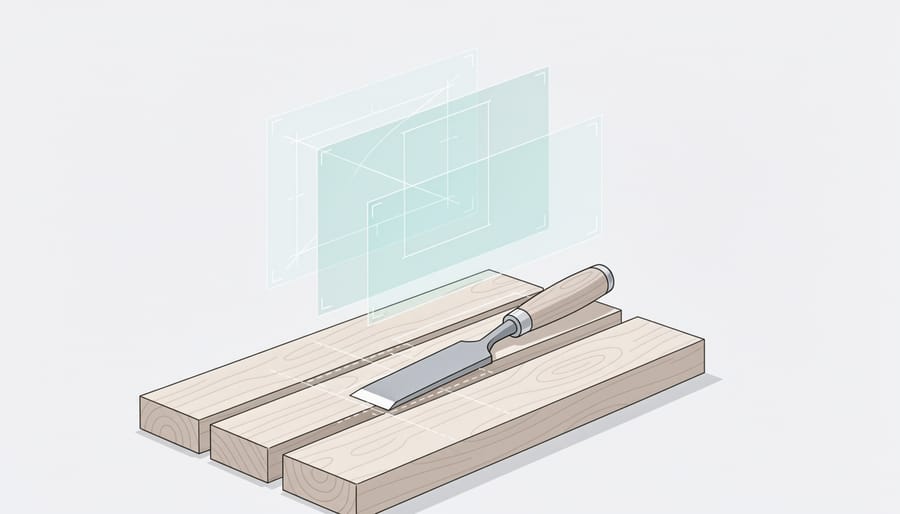
This technology excels at solving the visualization challenge that trips up many beginners. Instead of constantly checking measurements on paper plans, AR displays dimensions right on your workpiece. You’ll see cut lines projected onto the wood surface, angle indicators for tricky miters, and even depth markers for routing operations. The overlay adjusts as you move around your project, showing different views and assembly steps.
For design work, AR lets you place virtual furniture in your actual room to test proportions and aesthetics. You can modify dimensions, try different wood species, and get client approval before making the first cut. This preview capability builds confidence and reduces costly mistakes, particularly valuable when you’re working with expensive hardwoods or attempting your first complex project.
The Community Connection: XR Brings Woodworkers Together
What makes XR truly revolutionary isn’t just the technology itself, it’s how it tears down the walls between workshop spaces and connects woodworkers across continents. When you slip on a VR headset and find yourself standing next to someone in Tokyo while you’re in Texas, both of you working through the same joinery technique, you realize something profound has shifted in how we learn this ancient craft.
Remote collaboration through XR platforms has created what feels like a global workshop where time zones matter less than shared passion. You can watch a master craftsman in Sweden demonstrate a traditional technique, then immediately practice it yourself in a virtual space while she observes and offers corrections. These aren’t passive YouTube tutorials, they’re interactive learning experiences where the teacher sees your hand position, your stance, your approach, and guides you in real time.
Virtual workshops now regularly host participants from fifteen or twenty countries simultaneously. A journal workshop facilitator in Oregon can guide woodworkers through documenting their XR practice sessions alongside their physical projects, creating a bridge between digital and traditional learning methods. The community that forms in these virtual spaces often extends into local meetups, with participants discovering other woodworkers in their own cities they never knew existed.
The transformation stories emerging from XR-enhanced communities inspire continued learning. Take Maria, who started with zero woodworking experience in early 2025. She practiced basic cuts and joins in VR for three months, connecting weekly with a mentor in New Zealand and fellow beginners across South America. By the time she purchased her first saw and joined a local makerspace, her muscle memory and spatial understanding translated directly to real wood. Within a year, she was teaching others and had completed her first commissioned piece, a dining table that combined techniques learned from five different instructors across three continents.
These connections persist beyond the headset. XR woodworkers form tight-knit groups that share project photos, troubleshoot problems via video calls, and celebrate each other’s milestones. The technology hasn’t isolated us, it’s multiplied our teachers, our collaborators, and our friends who understand the thrill of a perfectly executed dovetail joint.
Getting Started with XR in Your Woodworking Journey
Starting your XR woodworking journey doesn’t require a massive investment or tech expertise. The beauty of extended reality in 2026 is that entry points exist for every budget and comfort level with technology.
The most accessible starting point is a standalone VR headset like the Meta Quest 3 or similar devices that don’t require a gaming PC. These typically cost between $300-500 and open the door to dozens of woodworking training applications. You can practice joinery, learn tool handling, and explore design principles without stepping into a physical workshop. Many community colleges and maker spaces now offer XR equipment lending programs, so you can test the technology before committing to purchase.
Here’s a practical roadmap for weaving XR into your woodworking education:
- Choose your entry tool. Start with a basic standalone VR headset or even smartphone-based AR apps if you want to experiment without cost.
- Find quality XR woodworking resources. Look for apps specifically designed for carpentry education, not gaming. Read reviews from other woodworkers about which programs offer the most realistic tool behavior and technique instruction.
- Practice fundamental skills in the virtual space. Spend 15-30 minutes rehearsing saw cuts, chisel control, or measurement techniques. Use XR sessions to capture mistakes and understand what went wrong without wasting materials.
- Transition deliberately to physical work. After virtual practice, move to your actual workshop while the muscle memory is fresh. Notice how the real tools feel compared to the simulation.
The key to success is balance. Use XR as your practice field where fear doesn’t cost you expensive hardwood or risk injury. Spend your virtual time building confidence with techniques that intimidate you, cutting dovetails, using a table saw, or planning complex joinery. Then bring that confidence to your physical workbench.
Consider using both digital and analog methods to track your progress. Screenshot your XR projects alongside photos of your real builds. This creates a powerful visual record of your transformation from hesitant beginner to skilled craftsperson, showing how virtual practice translated into tangible results.
The Best of Both Worlds: Blending XR and Hands-On Craftsmanship
There’s a moment every woodworker experiences when they first run their hand across a board they’ve just planed smooth. The warmth of the wood, the subtle variations in grain, the whisper of texture under your fingertips, no screen can replicate that. And it shouldn’t. XR technology isn’t here to steal these moments from us. It’s here to help us reach them faster and with greater confidence.
Think of XR as the best practice partner you’ve ever had. You can rehearse a dovetail layout twenty times in virtual reality, getting the angles and spacing into your muscle memory. When you finally pick up your marking gauge and pencil, you’re not paralyzed by uncertainty. You’re ready. The physical act still teaches you everything about wood movement, tool sharpness, and the pressure needed for a clean cut, but you arrive at that lesson prepared rather than overwhelmed.
The sensory feedback of real woodworking remains irreplaceable. The sound of a well-tuned hand plane taking a perfect shaving tells you what’s working. The smell of fresh cedar or walnut connects you to centuries of craftspeople. The resistance you feel when a chisel enters end grain versus long grain teaches lessons no simulation can capture. XR knows this. It doesn’t compete with these experiences, it creates a bridge to them.
Many woodworkers find that blending both approaches accelerates their growth. You might design a project in AR, seeing how it fits in your space before buying lumber. Then you learn through reflection as you build it with your hands. The digital preparation eliminates wasted material and costly mistakes, while the physical work delivers the satisfaction and skill that only come from real craftsmanship.
This isn’t about choosing between old and new. It’s about using every tool available to become the woodworker you want to be.
Workshop XR represents an exciting evolution in how we learn and share woodworking skills, not a replacement for the craft we love. The sawdust on your hands, the satisfaction of a perfectly fitted joint, the smell of fresh-cut pine, these experiences remain irreplaceable. What XR brings is preparation, confidence, and connection.
Think about the nervous beginner who can practice their first dovetail cut in virtual reality before approaching expensive hardwood. Consider the hobbyist in a rural area who joins a live AR workshop with craftspeople from three continents. Picture the community member who discovers their passion through an XR preview before investing in their first tools. This technology removes barriers while preserving what makes woodworking magical.
The workshops of 2026 look different than those of decades past, yet the core mission remains unchanged: passing skills from one generation to the next, celebrating the transformation from novice to artisan, and building a community united by the love of working with wood.
Your woodworking journey is uniquely yours. Whether you start with XR practice sessions, dive straight into hands-on building, or blend both approaches, what matters is taking that first step. The extended reality tools are here when you need them, the community is ready to welcome you, and the workshop, virtual or physical, awaits your creativity.